Your recipe hub.
AI-powered or handcrafted.

Upload a reference photo or describe the look you're after. Pick your camera and get a complete recipe you can dial in immediately — real in-camera settings for Fujifilm, Ricoh, Nikon, and Sony.

Includes 5 free recipes. No card required.
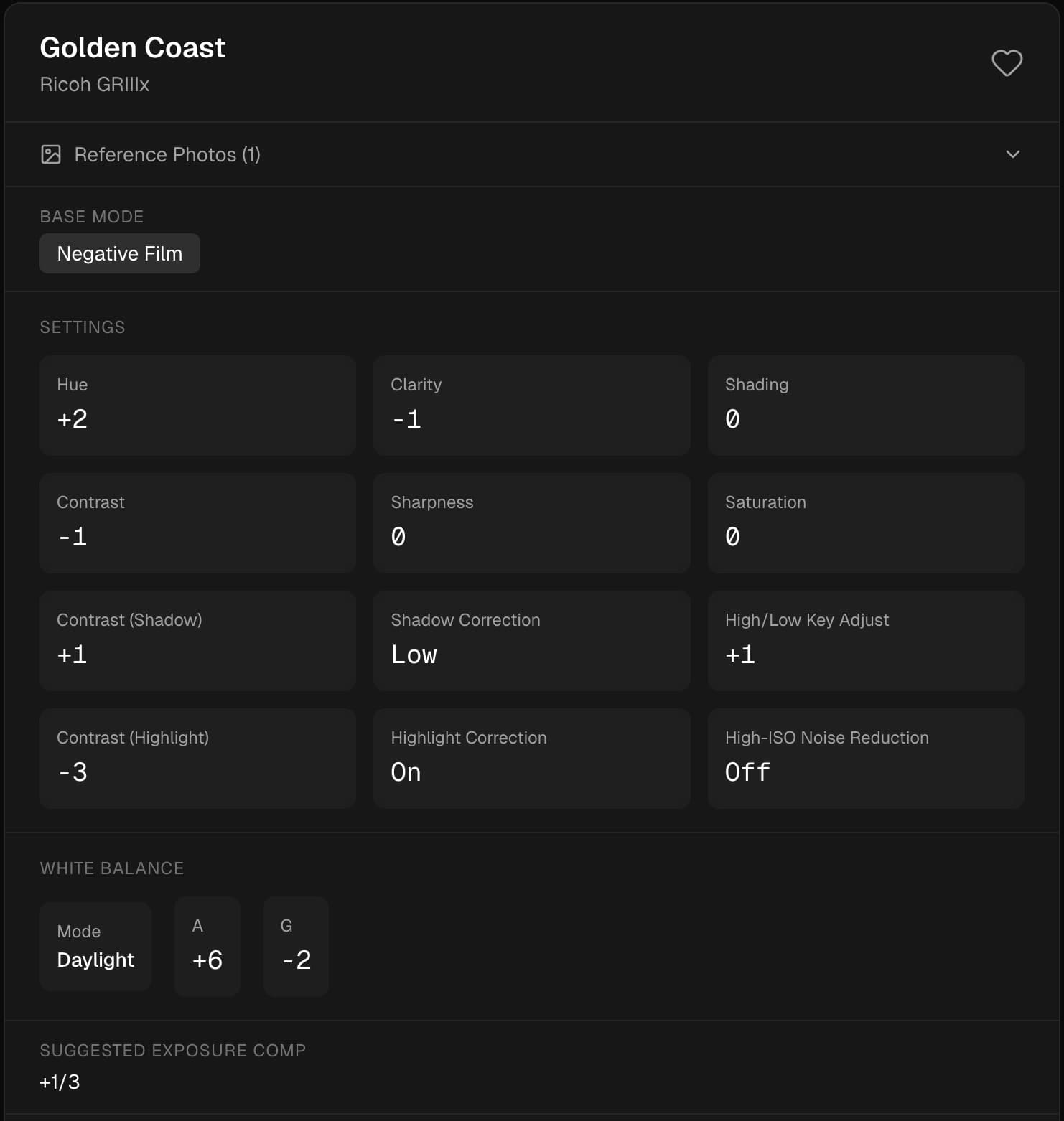
Complete settings,
ready to dial in.

Base mode, tone parameters, white balance fine-tuning, and exposure comp — tailored to your exact camera.

Example ToneChef recipe — Golden Coast for Ricoh GRIIIx showing base mode, settings grid, white balance, and exposure compensation

“Golden Coast” — generated for Ricoh GRIIIx

See the recipe behind the look.

Every photo has a set of in-camera settings that define its character. Hover to reveal the recipe ToneChef generates.

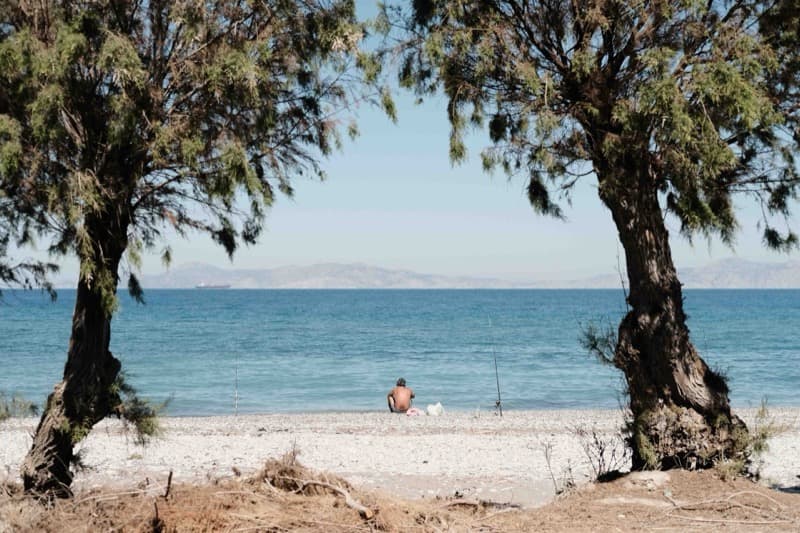
Kodak Gold 200 recipe sample photo
Film SimulationClassic Neg
Dynamic RangeDR400
Color+4
GrainStrong, Small
White BalanceAuto, R+3 B-5

Kodak Gold 200

Fujifilm X-T5

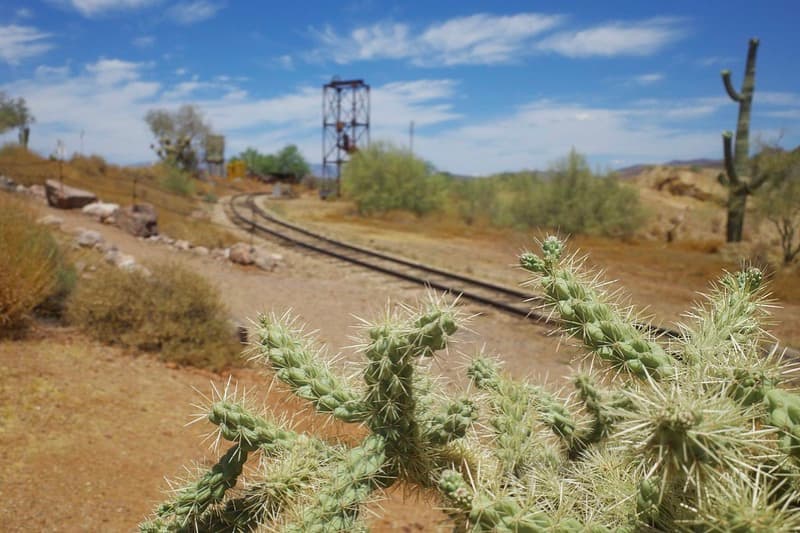
Classic Chrome recipe sample photo
Film SimulationClassic Chrome
Color-3
Color ChromeStrong
GrainWeak, Small
White BalanceAuto, R+2 B-3

Classic Chrome

Fujifilm X-T5

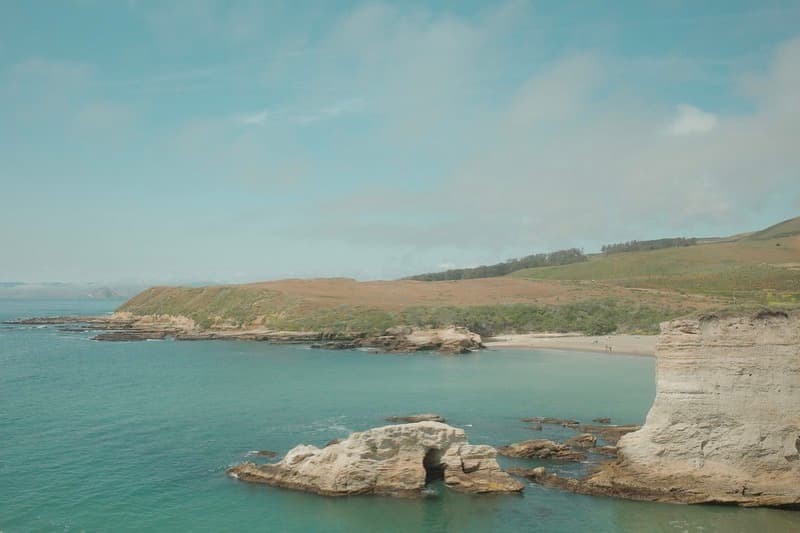
Vibrant Nostalgia recipe sample photo
EffectPositive Film
Saturation+3
Hue-3
Contrast-2
WB CompB:6 G:6

Vibrant Nostalgia

Ricoh GRIIIx

Positive Film recipe sample photo
EffectPositive Film
Saturation+3
Contrast+4
Highlight-2
WB CompA:7 G:3

Positive Film

Ricoh GRIIIx

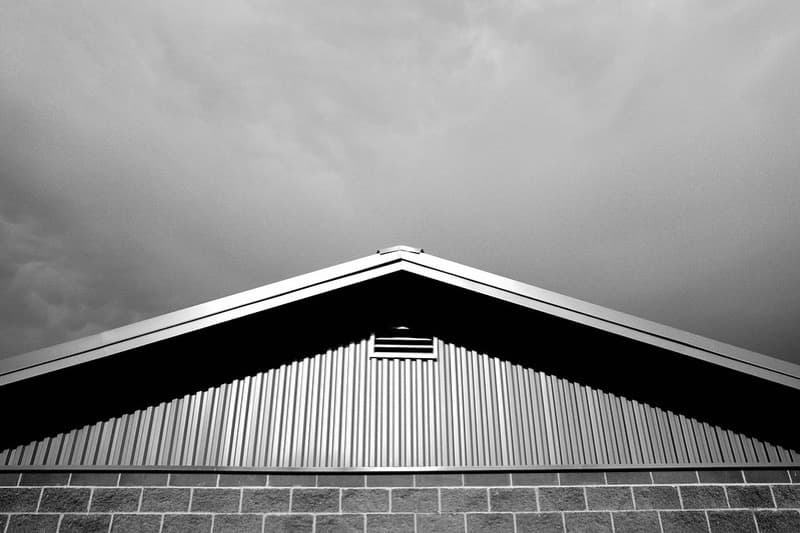
Dramatic Mono recipe sample photo
EffectHi-Contrast B&W
Contrast+3
Clarity+1
GrainOn
WB CompA:0 M:14

Dramatic Mono

Ricoh GRIIIx

EktaColor recipe sample photo
EffectNegative Film
Saturation+4
Contrast+3
Shadow-3
WB CompA:14 G:8

EktaColor

Ricoh GRIIIx

Supported Cameras

Fujifilm X100VFujifilm X100VIFujifilm X-T5Fujifilm X-Pro3Fujifilm X-S20Fujifilm X100FRicoh GRIIIxRicoh GRIIIRicoh GR IVRicoh GR IV MonoNikon ZfSony A6700Sony A7C II+ more

Skip the guesswork.
Shoot the look you want.

Stop spending hours hunting for recipes and tweaking settings by trial and error. ToneChef takes a reference photo, a text description, or both — and reverse-engineers a recipe tailored to your exact camera, so you get closer to your desired look straight out of camera.

How It Works

1

Show it or describe it

Upload 1–4 reference photos, describe the vibe you want in words — like "warm faded film" or "cool minimal street" — or combine both.

2

Select your exact camera

Choose your specific camera model so every setting — modes, ranges, and parameters — matches what you can actually dial in.

3

Get settings tuned to match

Our analysis engine measures the colour, tone, and contrast from the pixels and maps them to real in-camera settings for your camera.

A purpose-built image analysis engine —original, custom recipes.

When you upload a photo, ToneChef doesn't guess, it measures. Our analysis pipeline extracts dozens of properties from the actual pixels — then maps them to the precise dials and menus on your camera.

Pixel-level tone analysis

Highlight rolloff, shadow depth, contrast distribution, and histogram shape are measured right out of the source photos.

Colour & white-balance decoding

Saturation curves, colour temperature, and tint are extracted so your recipe's white balance and colour dials land right.

Grain & texture detection

Film grain character, noise levels, and sharpness profile are identified so the recipe reproduces the same tactile feel.

Mapped to your exact camera

Every measurement is translated through a hand-built knowledge base of your camera's specific modes, ranges, and quirks.

Why ToneChef?

Curated camera knowledge base

We've hand-built a detailed knowledge base for every supported camera — exact parameter names, valid ranges, step increments, and quirks. We run all this data through our neural engine and output settings your camera actually has, with the exact values you need to easily dial in.

The AI model for creating recipes

Our deterministic image analysis engine feeds hard measurements into a custom AI model that understands how each camera renders colour and tone. The result: settings that recreate styles from photos you love and make your visions a reality.

Photos, words, or both

Have a reference photo you love? Upload it. Want a moody, desaturated film look? Just describe it. Combine both for the most precise results. ToneChef meets you where your inspiration starts.

Settings you can actually use

Every recipe gives you real in-camera settings — not Lightroom sliders or abstract suggestions. Grab your camera, dial in your custom values, and start shooting!

Frequently Asked Questions

Create your first camera recipe
in under a minute.

Upload a photo or just describe the look you want, pick your camera, and get settings you can shoot with right away. Includes 5 free recipes. No card required.
Start Creating Recipes